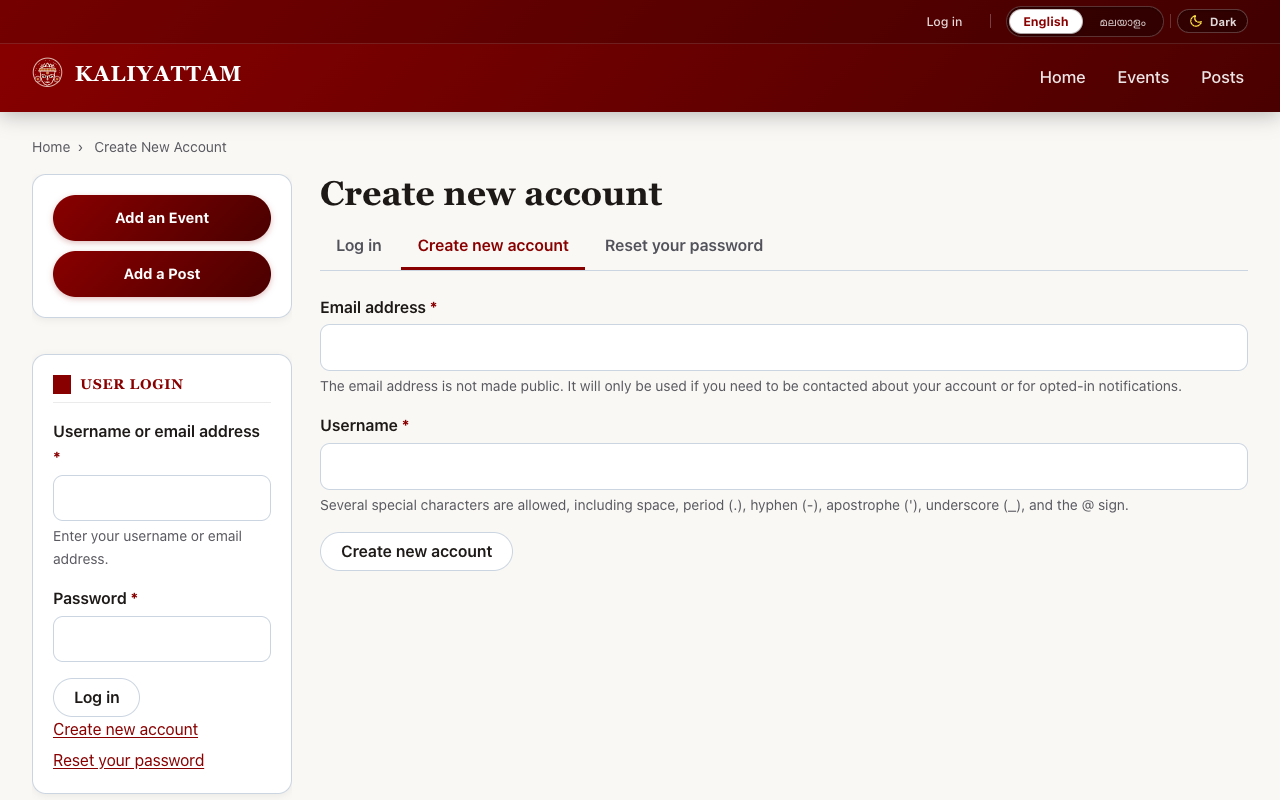
Welcome to Kaliyattam (കളിയാട്ടം) – the dedicated online community, cultural registry, and social network for Theyyam enthusiasts, devotees, researchers, folklore scholars, and cultural observers across North Malabar.
🎥 Video Walkthrough (Screencast)
Video file: /sites/default/files/help_docs/kaliyattam_walkthrough.webm
1. Viewing the Site in Multiple Languages
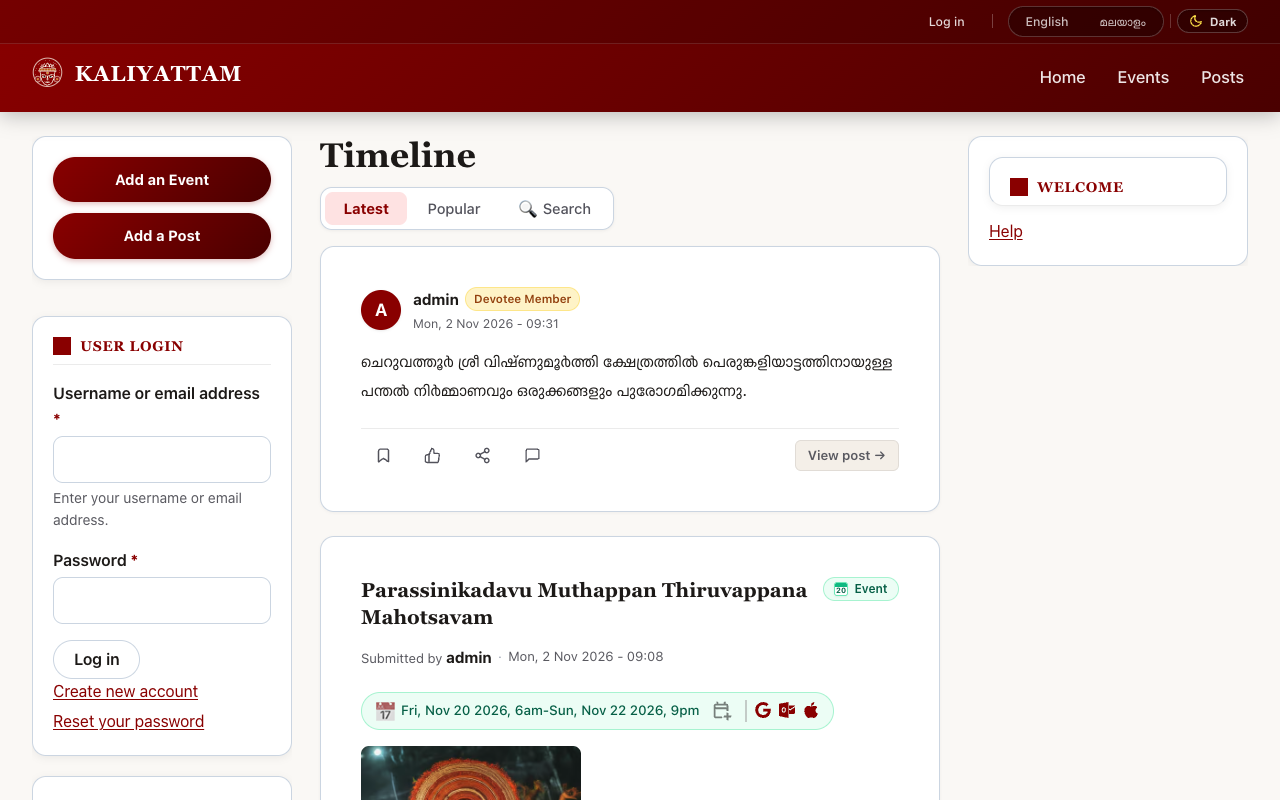
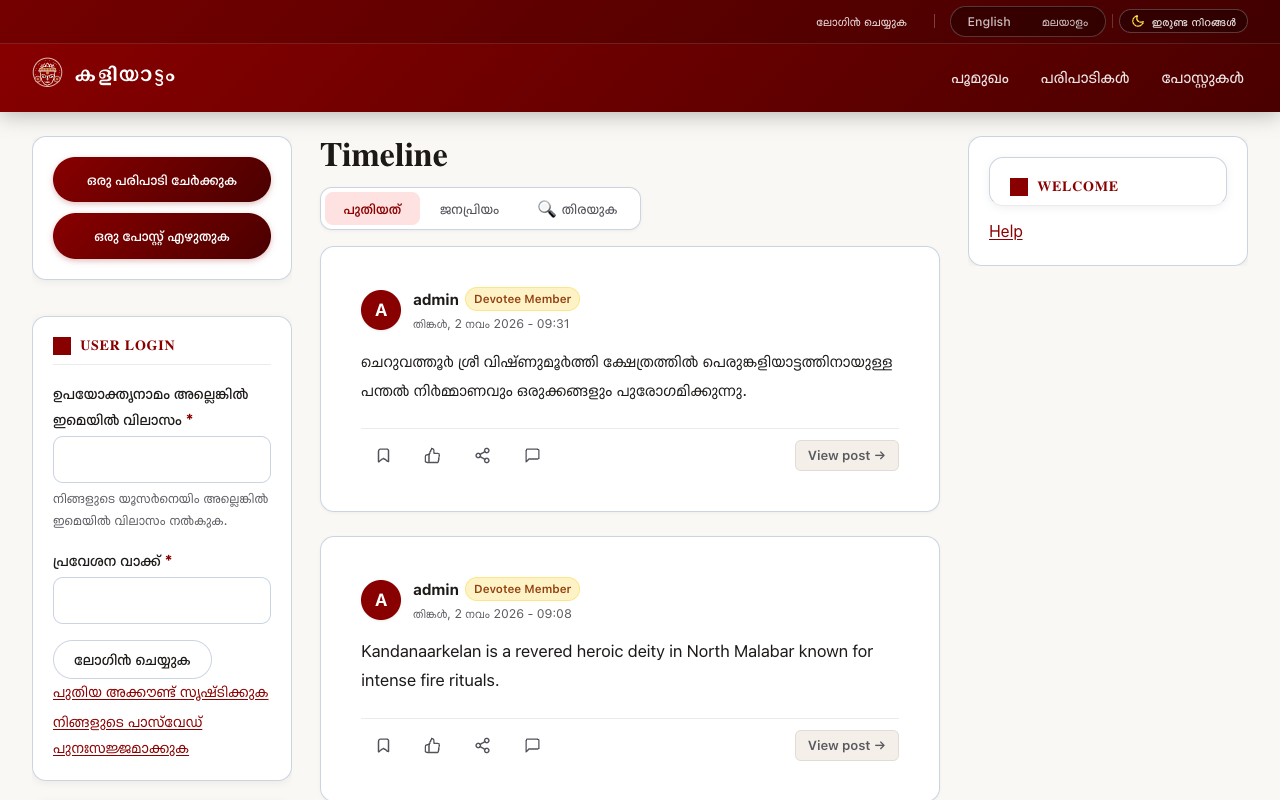
Kaliyattam provides full bilingual support in English and Malayalam (മലയാളം).
- Locate the top header strip at the very top-right of any screen.
- In the language switcher, click [ മലയാളം ] to switch the interface to Malayalam, or [ English ] to switch back.
- When Malayalam is active, menus, calendar labels, search forms, and system buttons will display in Malayalam. Deities and shrines with Malayalam translations will automatically present their Malayalam names.
2. Events: Calendar & Map Views
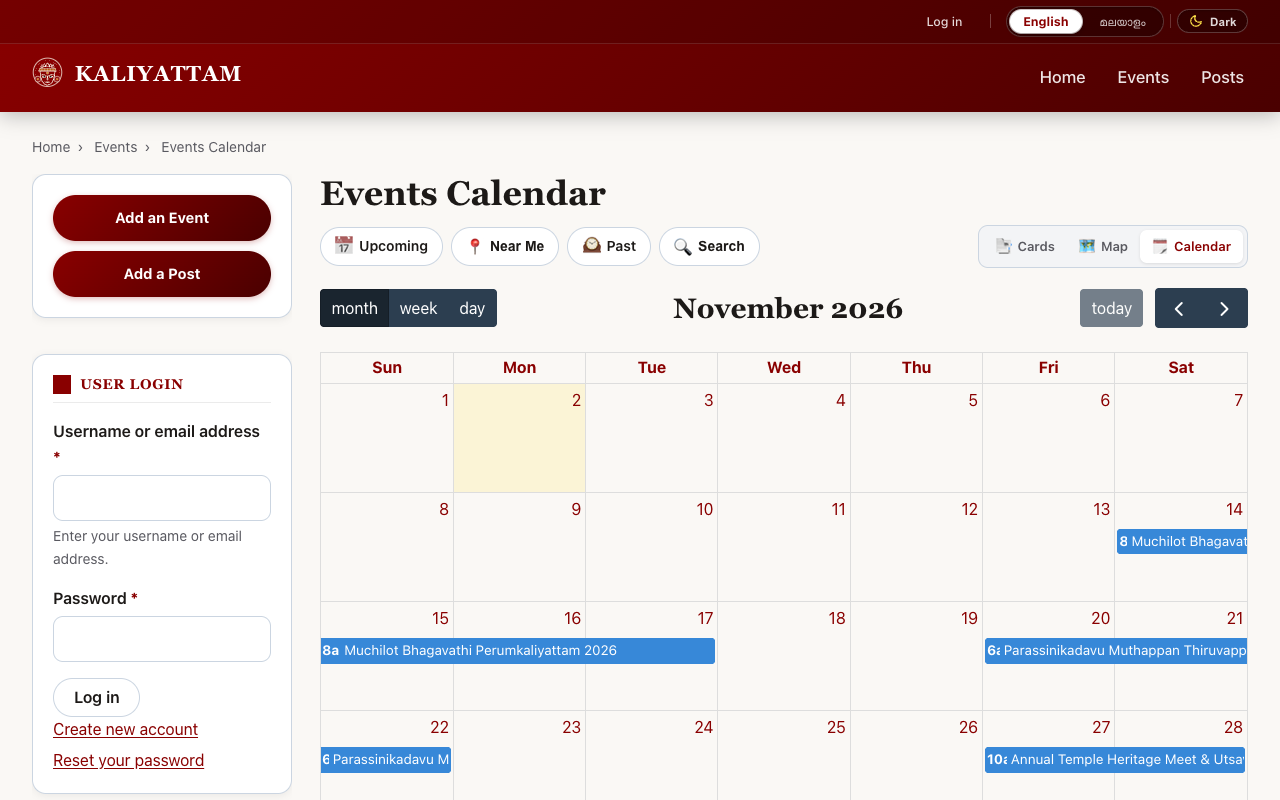
The Events section (/events) allows you to explore scheduled festival rituals via multiple views using the top toolbar:
[ 📅 Upcoming ] [ 📍 Near Me ] [ 🕰️ Past ] [ 🗓️ Calendar ] [ 🗺️ Events Map ] [ 🔍 Search ]
Calendar View (/events/calendar)
A monthly grid displaying scheduled festivals across Malabar. Click on any date or event entry to see performing Theyyams, times, and venue.
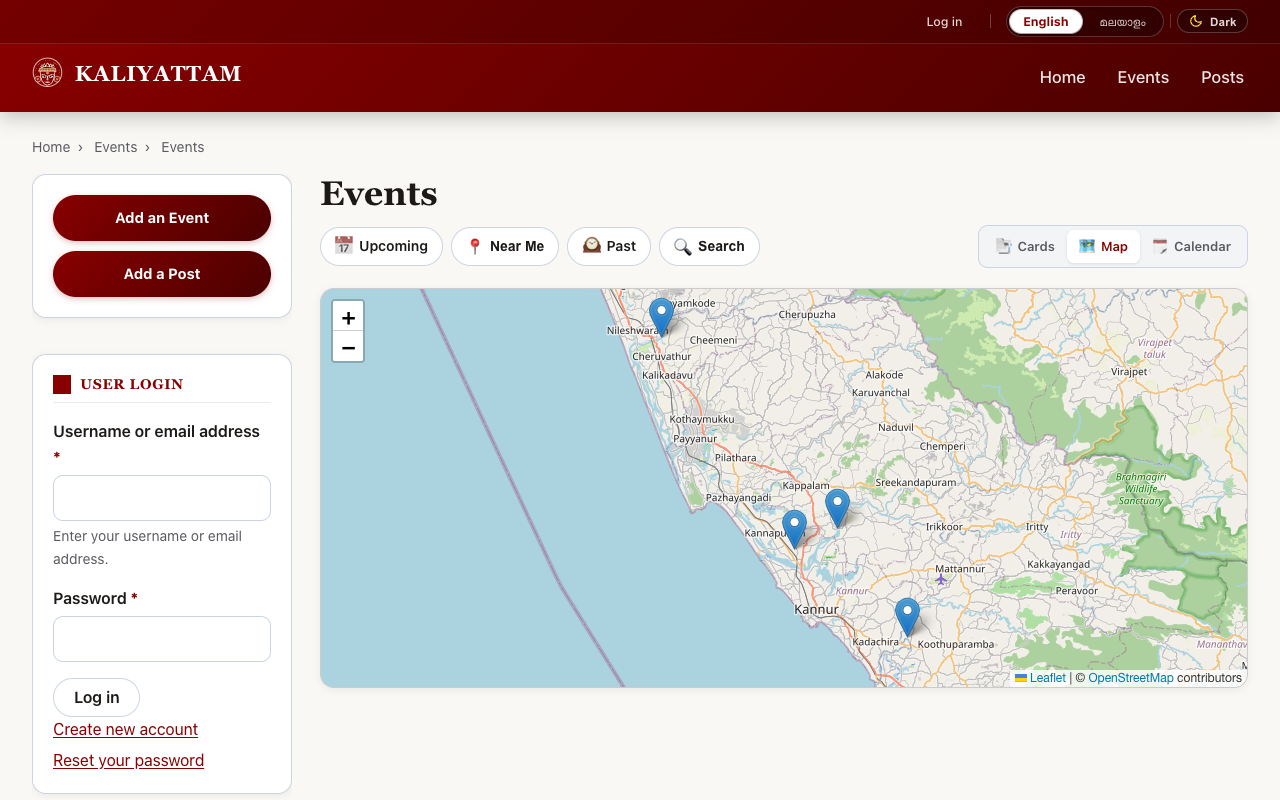
Map View of Events (/events/map)
Interactive geographical map plotting all festival locations. Use the Near Me button to center the map on your GPS coordinates.
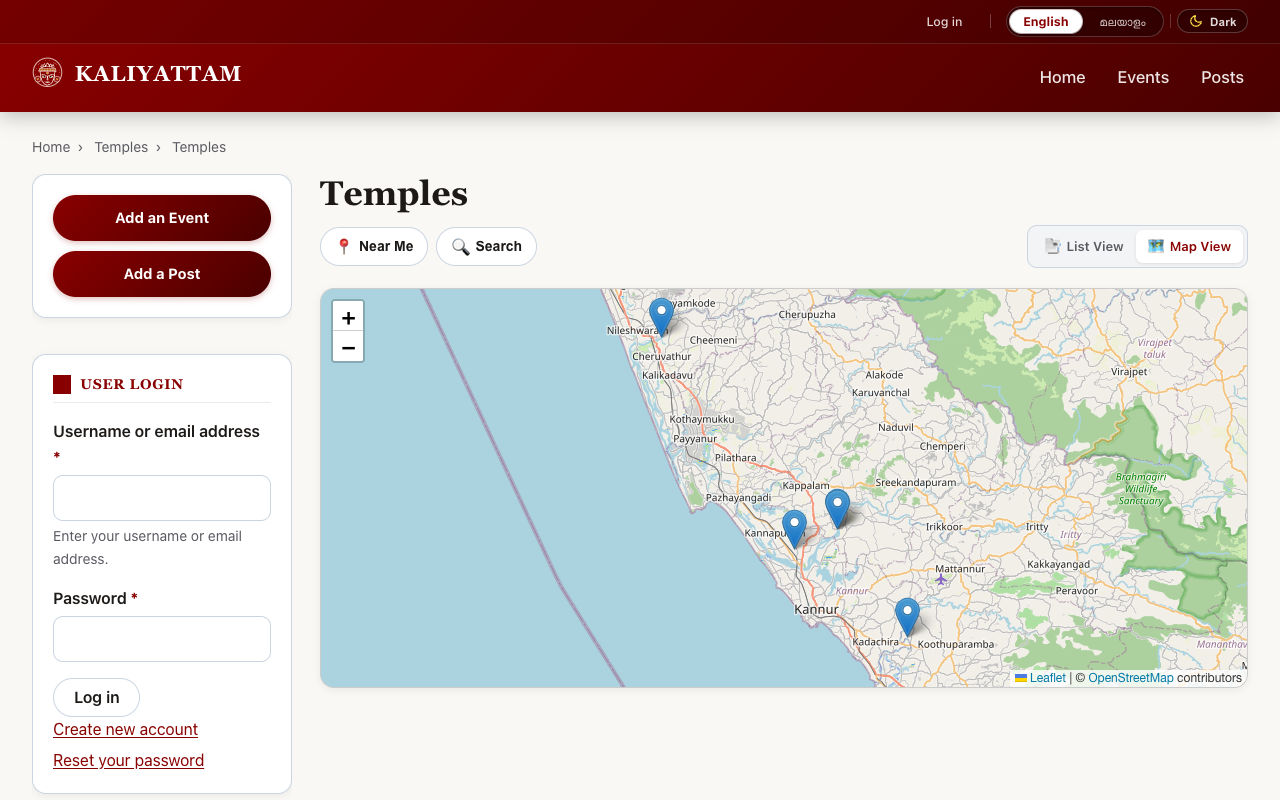
3. Map Viewing of Temples & Kavus
Kaliyattam maintains an open geographical registry of shrines, Tharavadus, and ancient Kavus (/temples/map).
4. User Registration & Sign In
Create an account to participate in community discussions, post photos, publish events, and contribute to the collaborative wiki:
- Navigate to /user/register.
- Choose your Username and enter a valid Email address.
- Click Create new account and complete verification.